How do you write a Google Business Profile post that actually gets seen?
November 16, 2026 · 11 min read
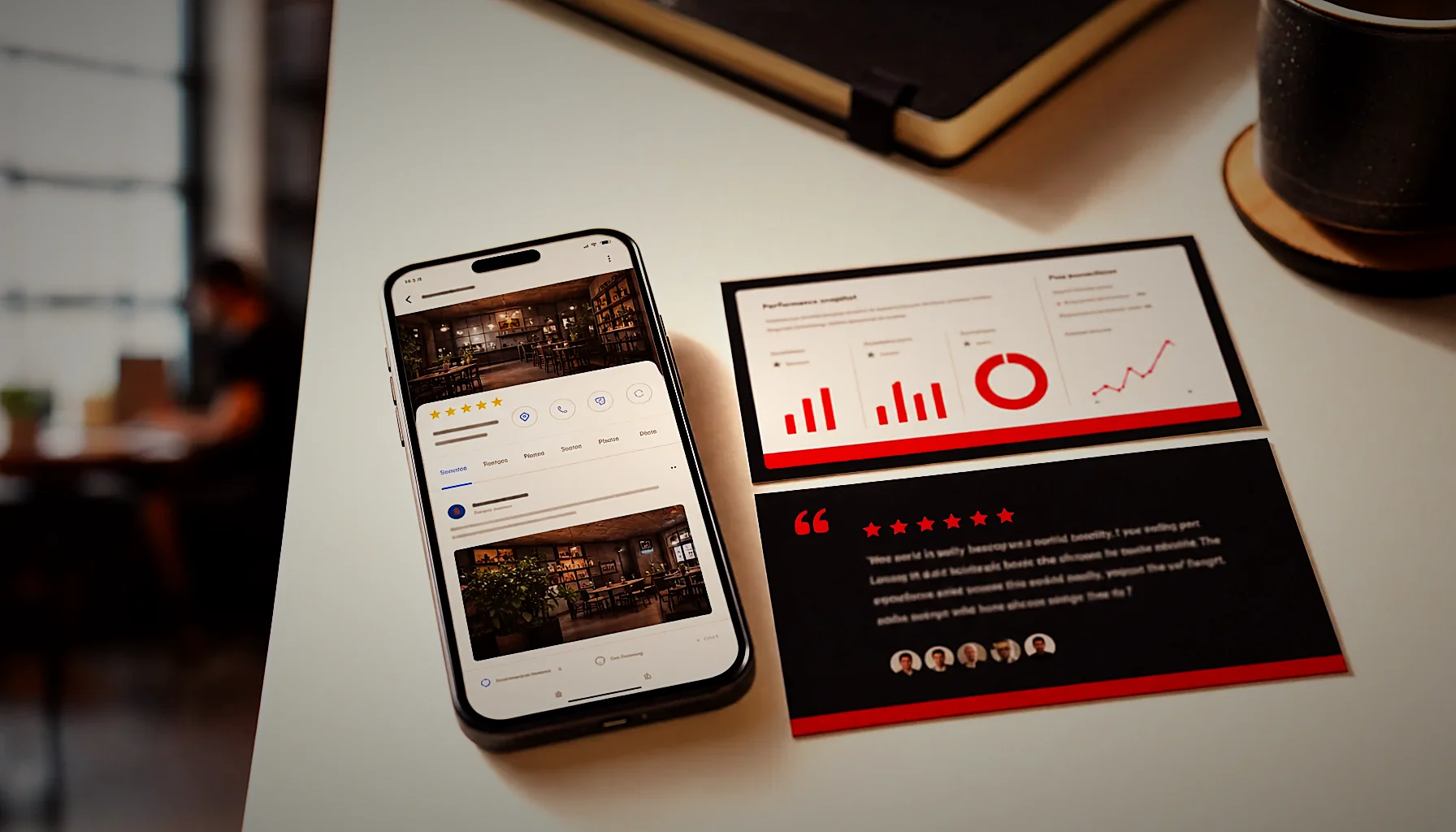
A plumber in a mid-size city posts “Call us today!” every three weeks and wonders why nothing happens. Google Business Profile posts get seen when they answer one specific customer question, lead with the useful detail in the first 100 characters, and go up weekly. Frequency plus specificity beats polish every time.
What is a Google Business Profile post and where does it show up?
A Google Business Profile post is a short update you publish directly to your business listing. It appears in your Business Profile panel on Google Search and Maps, under the “Updates” or “From the owner” section, and sometimes inside the knowledge panel itself when someone searches your business name.
Posts sit below your photos, reviews and hours. That means the person reading them has already found you and is deciding whether to call, visit or keep scrolling.
Your post does one job: close the gap between interest and action. Someone searching “dentist near me open Saturday” lands on your profile, sees a post from four days ago confirming Saturday hours and the price range for a cleaning, and they call.
There are a few post types available in 2026: updates (the general-purpose one), offers (with a start and end date and a redemption code), and events (with a date, time and title). Product posts also exist for retail and food businesses.
Updates are the workhorse. Offers and events work when you genuinely have one — a seasonal menu, a free consultation week, an open house. Faking urgency with a permanent “special offer” trains people to ignore you.
Each post allows up to 1,500 characters, one image or video, and one call-to-action button: Book, Order online, Buy, Learn more, Sign up, or Call now. The button links anywhere you choose, which is why a post is one of the few free ways to push traffic from Google straight to a specific page on your site.
How often should you post on your Google Business Profile?
Post once a week, minimum. That cadence keeps fresh content in your profile at all times, signals to Google that the listing is actively managed, and gives you 52 chances a year to answer a different customer question. Two to three posts a week is better if you have real things to say.
The reason weekly works comes down to shelf life. Standard update posts stay visible in your profile indefinitely, but Google pushes older posts behind a “View all” link, so only the most recent one or two get seen without a click.
Event and offer posts behave differently — they drop off once the end date passes. If your whole posting strategy is offers, your profile can look empty the week after a promotion ends.
A realistic schedule for a busy owner looks like this: four posts written in one sitting at the start of the month, scheduled or published weekly, each one tied to a different thing customers actually ask about. That is roughly 20 minutes of work per post if you already know what to say.
Consistency matters more than volume. A profile with 50 posts from 2024 and nothing since reads as abandoned. A profile with one post every Tuesday for the last six months reads as a business that is open, staffed and paying attention.
If weekly posting is the thing that always slips, that is a process problem, not a motivation problem. Building it into a wider content plan for a local business — where each month has a theme and the posts come out of the same research as your articles — removes the blank-page moment that kills most posting habits.
Never face the blank page again
KAIRO reads your Google reviews and turns what customers already ask about into the articles and topics you post each month. You keep the weekly habit without writing from scratch.
Do Google Business Profile posts help your ranking?
Posts are not a direct ranking factor in local search. Google has never listed them among the signals that move map pack position. What they do move is engagement — clicks, calls, direction requests and website visits — and engagement is part of how Google measures whether your profile deserves to keep showing up.
Think of it in two layers. Layer one is relevance: does your profile match the search? That comes from your categories, services, description, reviews and website.
Layer two is behavior: when people see you, do they act? A profile with recent posts that answer real questions gets more clicks than a bare one, and that click behavior compounds.
Posts also do something less obvious. They put your own words — your service names, your neighborhood, your price ranges, your specialties — on a Google-owned page that gets crawled.
That matters for AI answers as much as for search. When ChatGPT, Gemini or Google AI Overviews assemble a recommendation for “best family dentist in Austin with weekend hours,” they pull from the text that exists about you across the web. Your profile posts are part of that text.
So the honest framing: posts will not lift you from position 14 to position 3 on their own. They make the profile you already have convert better, and they add specific, indexable language about what you do. Pair them with the things that genuinely move local ranking — review volume and quality, accurate local citations for SEO, proper on-page content — and the whole set works together.
One practical check: in your Business Profile performance dashboard, compare website clicks and calls in a month where you posted four times against a month where you posted once. That is the number worth watching, not an abstract ranking position.
What should a local business post about on Google?
Post the answers to questions customers already ask you out loud. The fastest source is your own Google reviews and the phone calls you take every week — both tell you exactly what people are unsure about before they commit.
Here are post angles that consistently earn clicks, grouped by what they do:
- Answer a pricing question. “A standard oil change here runs $55-$80 depending on your engine. Here is what is included.” Price transparency is the single most common unmet need in local search.
- Remove a logistics objection. Parking, wheelchair access, walk-ins vs appointments, how long the service takes, whether you take same-day bookings.
- Show one finished job. A before-and-after photo with two sentences about what the problem was and how long the fix took.
- Quote a review. Pull one line from a recent five-star review and add the context behind it. It is social proof in your customer’s words, not yours.
- Introduce a person. “Maria has cut hair here for nine years and specializes in curly textures.” People book people.
- Explain a seasonal change. New hours, a new menu item, holiday closures, a service that only runs in spring.
- Clear up a misconception. “No, you do not need a referral to see us.” “Yes, we service that model.”
Your reviews are an underused content list. Read 30 of them end to end and you will find the same four or five concerns repeated — that is four or five months of posts, already validated by paying customers. We wrote more about mining that signal in what customers say in Google reviews.
What to skip: generic motivational quotes, holiday graphics with no offer attached, “we are hiring” posts repeated for months, and anything that could appear on any business in your category. If the post would work unchanged for your competitor down the street, rewrite it.
How do you structure the post itself so it gets read?
Front-load the useful information. Google truncates the visible text after roughly 75-100 characters, so your first sentence has to carry the whole message on its own. Everything after the “Read more” link is for the people you have already hooked.
A structure that works, every time:
- First line, under 100 characters: the specific fact or answer. “Same-day crowns now available — in and out in about 90 minutes.”
- Next two to three sentences: the detail that makes it credible. Who it is for, what it costs, how it works, what the catch is.
- One concrete next step: “Call before 10am to get a same-day slot.”
- The CTA button: matched to the action. Book for appointments, Call now for urgent services, Learn more for a page with real depth.
- One image: 1200×900 pixels or larger, landscape, shot on a phone is fine.
Use a real photo of your space, your team or your work. Stock images get scrolled past because people recognize them instantly as filler, and they tell a prospect nothing about whether your waiting room is clean.
Avoid stuffing your city name and service into every sentence. Write “we are on the corner of 5th and Main, two blocks from the library” instead of “best plumber in Springfield Springfield plumbing services.” The first one is useful to a human and reads as a genuine local signal; the second reads as spam to both Google and the reader.
Keep the link destination tight. If the post is about pricing for one service, send the button to that service page, not your homepage. A post that promises a specific answer and delivers a generic landing page burns the trust you just earned.
Length: 150-300 characters is enough for most posts. The 1,500-character limit exists, but nobody expands a Google post to read an essay. Save the depth for your blog and link to it.
Can you schedule Google Business Profile posts in advance?
Yes. Google’s own interface lets you schedule update posts with a future publish date, and third-party tools and APIs can queue them weeks out. Scheduling is what turns weekly posting from a good intention into something that actually happens.
The workflow most owners can sustain: block 45 minutes on the first of the month, write four posts, schedule them for the same weekday, done. You never face a blank box on a Tuesday afternoon between customers.
Batching also improves quality. When you write four posts at once you naturally spread the topics — one pricing, one process, one team member, one review quote — instead of posting the same kind of update over and over.
What scheduling cannot fix is having nothing to say. The constraint is almost never the publishing step; it is deciding what goes in the post. That is why the posts should come out of the same research that feeds your website content, rather than being invented from scratch each week.
At KAIRO, our content engine is built around exactly that order of operations. We read every Google review a business has received, pull out the recurring questions, and use that to produce 4 SEO/AEO articles a month plus Google Business Profile posts, published automatically to the client’s site and social channels. The owner spends zero hours on it, and every piece passes our quality gates before it goes anywhere.
You also get a monthly proof report so the posting is not a leap of faith — you can see what went live, what moved, and what your reviews are telling you. If you want to know what that report should contain before you trust anyone’s, we broke it down in our guide to a monthly SEO report for a small business. No contract, cancel anytime — contact us for details on what a month looks like for your category.
Your reviews already know what to post
Every month, KAIRO pulls the questions hiding in your Google reviews and writes the content that answers them — for search and for AI answers. Take a look and see what it would write for your business.
Frequently asked questions
How often should I post on my Google Business Profile?
Post at least once a week to keep fresh content visible in your profile and signal that the listing is actively managed. Two or three posts a week works well if you have genuine updates, offers or events to share. A practical approach is writing four posts in one sitting at the start of each month and scheduling them to publish weekly.
Do Google Business Profile posts help ranking?
Posts are not a confirmed direct ranking factor in local search, but they increase engagement signals like website clicks, calls and direction requests, which support your overall profile performance. They also add your own service names, prices and location details to a Google-owned page that gets crawled. For actual ranking movement, review volume, accurate categories and consistent citations do more of the work.
How long does a Google post stay live?
Standard update posts stay on your profile indefinitely, but Google only shows the most recent one or two prominently — older posts move behind a “View all” link. Event and offer posts disappear from the main view once their end date passes. That is why weekly updates matter more than one big post: only the newest content is visible without an extra click.
What should a local business post about on Google?
Post the answers to questions customers already ask before they book: prices, parking, appointment vs walk-in, how long a service takes, and who on your team does what. Your Google reviews are the best source — read 30 of them and you will find the same four or five concerns repeated. Skip generic motivational quotes and anything that could run unchanged on a competitor’s profile.
Can I schedule Google Business Profile posts in advance?
Yes, you can schedule update posts with a future publish date directly in the Google Business Profile interface, and third-party tools can queue them weeks ahead. Batching four posts at the start of the month is the most reliable way to keep a weekly cadence. Scheduling solves the publishing problem, but you still need a source of topics — reviews and customer questions are the easiest one.
How do I get my business recommended by ChatGPT or Google AI Overviews?
AI assistants assemble local recommendations from the text that exists about your business across the web — your profile, your reviews, your website content and third-party mentions. The businesses that get named are the ones with specific, consistent, up-to-date language about what they do, who they serve and where. Publishing regular articles and Google Business Profile posts that answer real customer questions in plain language is the most direct way to be part of that answer set in 2026.
This article was produced by the Kairo engine.
The same system can write for your business — starting from what your customers already say.
Get your free review report