Is my website readable by AI crawlers? A complete guide to checking
October 27, 2026 · 11 min read
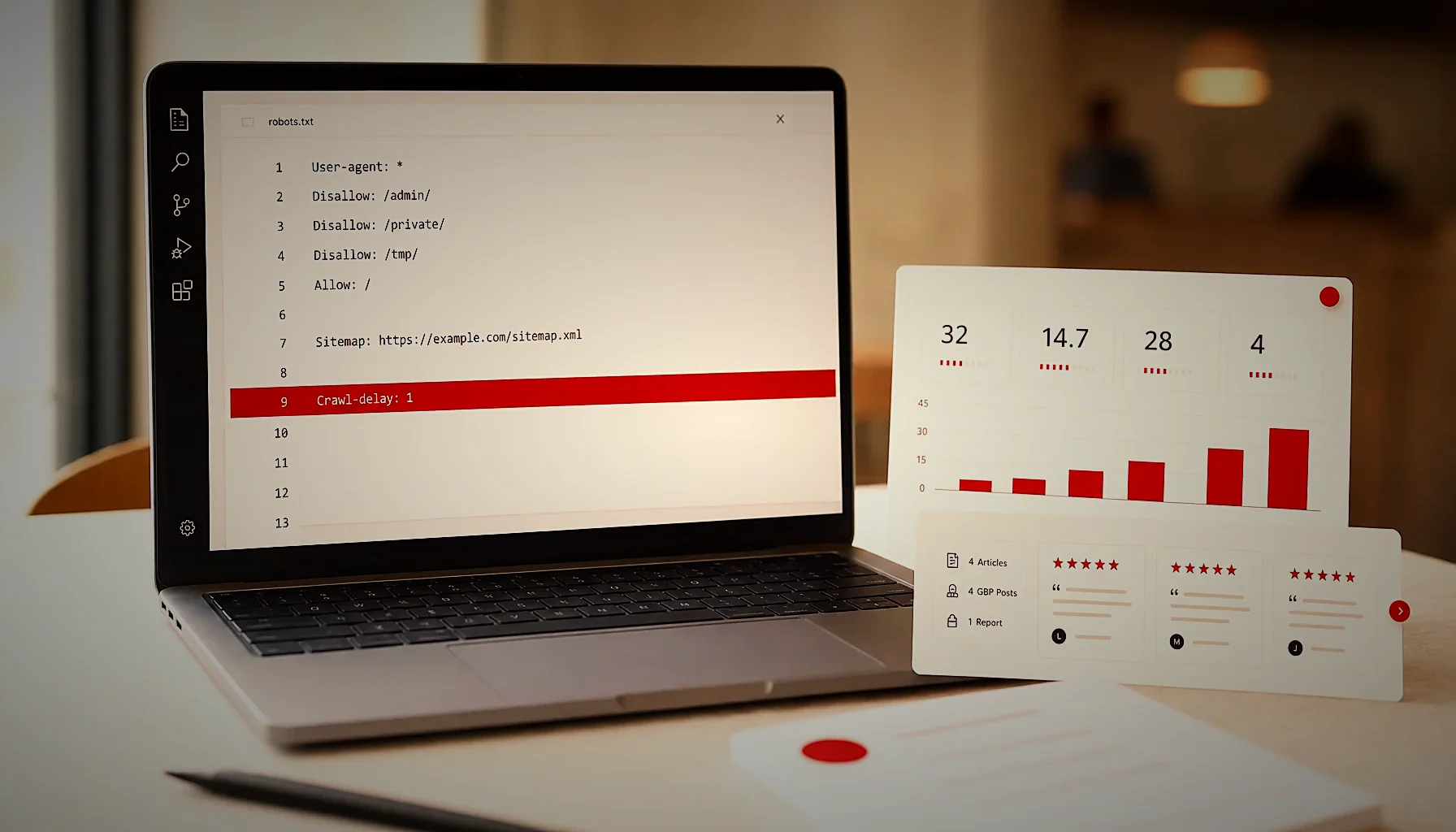
You can check whether your website is readable by AI crawlers in about 20 minutes: open your robots.txt file and look for GPTBot, ClaudeBot, PerplexityBot and Google-Extended rules, disable JavaScript and confirm your main text still renders, then ask ChatGPT and Google AI Overviews a question your business should answer. If your pages never appear, something is blocking them.
What does “readable by AI crawlers” actually mean?
Readable means three things at once: the crawler is allowed in by robots.txt, your server returns a 200 status code with real HTML text, and the content on the page is clear enough to be quoted as an answer. Fail any one of the three and you are invisible in AI answers.
AI crawlers are not one single bot. OpenAI runs GPTBot (training), OAI-SearchBot (search index) and ChatGPT-User (live fetches when a user asks something). Anthropic runs ClaudeBot. Perplexity runs PerplexityBot. Google uses its normal Googlebot plus a separate control called Google-Extended.
That split matters because blocking one does not block the others. A site can be wide open to Googlebot and completely shut out of ChatGPT, and the owner would never know from looking at Google Analytics.
The second condition — real HTML text — trips up more small-business sites than access rules do. Many page builders load headings, service descriptions and reviews through JavaScript after the page arrives. Googlebot renders JavaScript. Most AI crawlers do far less of it, and some fetch the raw HTML only.
The third condition is the one nobody checks. A crawler can read your page perfectly and still never quote it, because the page has no sentence that directly answers a question. “Welcome to our family-run restaurant since 1998” is readable and useless. “We seat 120 people indoors and 60 on the terrace, and we take walk-ins until 9pm” is readable and quotable.
So the honest version of the question is not “can bots reach my site” but “can bots reach my site, read the words, and find a complete answer in one paragraph.” In 2026 that third part is where most of the gap sits.
How do I check if my website is crawlable by AI bots?
Start with robots.txt. Type your domain followed by /robots.txt in a browser — for example yourbusiness.com/robots.txt — and read the whole file. You are looking for any Disallow: / line that sits under a User-agent you care about, or under User-agent: *.
A file that allows everything looks like this: User-agent: * followed by Disallow: with nothing after it, or no Disallow line at all. A file that blocks GPTBot looks like User-agent: GPTBot followed by Disallow: /.
Check for these user agents specifically: GPTBot, OAI-SearchBot, ChatGPT-User, ClaudeBot, Claude-Web, PerplexityBot, Google-Extended, Applebot-Extended, Bytespider, CCBot and Amazonbot. If you see any of them with Disallow: /, that platform cannot use your pages.
Next, test rendering. In Chrome, open DevTools, press Ctrl+Shift+P (Cmd+Shift+P on Mac), type “Disable JavaScript”, hit Enter, then reload the page. Whatever text remains visible is roughly what a basic crawler sees.
If your opening hours, service list, prices or FAQ vanish when JavaScript is off, rewrite those blocks as plain server-rendered HTML. A WordPress site with a standard theme usually passes this test. A site built on a heavy single-page framework often fails it.
Third, check status codes and indexability. Google Search Console’s URL Inspection tool tells you exactly how Googlebot sees a page: whether it is indexed, what the rendered HTML contains, and whether a noindex tag or canonical is pointing somewhere else. A page with noindex is also a page AI systems tend to skip.
Fourth, confirm the basics are not quietly broken. Your sitemap.xml should load and list your real pages. Your pages should not sit behind a cookie wall or a bot-challenge page. Cloudflare and similar services sometimes block AI user agents by default — check your firewall rules, not just robots.txt.
Pages that answer, written every month
Once the crawlers can read your site, they still need something worth quoting. KAIRO turns your Google reviews into monthly articles that answer the questions your customers actually ask.
How do I check the AI visibility of my website?
Ask the questions your customers ask, in the AI tools they use, and write down whether you appear. Run 10 prompts in ChatGPT, Google AI Overviews, Perplexity and Gemini — things like “best dentist in [your city]” or “where can I get a timing belt replaced in [your city]” — and record which businesses get named.
Keep the list specific and local. Include your category plus city, your category plus a qualifier (“open Sunday”, “with parking”, “for kids”), and two or three questions that only a specialist would answer well. Those long questions are where a small business can realistically win.
Repeat the same prompts once a month and log the results in a spreadsheet with four columns: prompt, tool, were we mentioned, who else was mentioned. After three months you have a trend line instead of a feeling. That is the only honest way to measure AI visibility right now, because there is no Search Console for ChatGPT.
Then look at server logs or your analytics bot report. If GPTBot, ClaudeBot and PerplexityBot are hitting your site, the access side is fine and the problem is content. If they never appear in the logs, the problem is access.
Pay attention to who gets mentioned instead of you. Very often it is a directory, an aggregator or a competitor with a blog that answers the exact question. AI systems quote pages that make the answer easy to lift — a clear heading, a short direct paragraph, specific numbers.
Our own guide to writing FAQ sections that win featured snippets covers the format in detail, and the same structure is what gets pulled into AI answers. A question as the heading, a complete answer in the first two sentences, no warm-up.
One more signal worth checking: your Google Business Profile. AI tools lean heavily on Google’s local data, so wrong hours or a missing category can keep you out of answers even when your site is perfect. If your local rankings have been sliding, this breakdown of why Google Business Profile rankings drop is the place to start.
Should I block or allow AI bots on my site?
If you want customers to find you through ChatGPT, Gemini and Perplexity, allow them. For a local business — a restaurant, clinic, salon, auto shop or event venue — blocking AI crawlers removes you from a channel where your competitors are already being recommended. The content you publish is marketing, not intellectual property you need to defend.
The case for blocking is different for publishers who sell access to their archive, photographers protecting image libraries, or sites with paywalled research. Those businesses lose money when a bot answers the question instead of sending the click. A plumber in Ohio does not have that problem.
You can also split the decision. Allow the search-and-answer bots that cite sources and send traffic (OAI-SearchBot, ChatGPT-User, PerplexityBot, Googlebot) and disallow the pure training crawlers (GPTBot, CCBot, Bytespider) if that sits better with you. The rules are per user agent, so you control it line by line.
Here is a permissive robots.txt pattern for a local business: a single User-agent: * block with Disallow: left empty, plus a Sitemap: line pointing to your sitemap.xml. Nothing else is required. Simplicity is an advantage here — long robots.txt files with dozens of rules are where accidental blocks hide.
Two mistakes to avoid. First, blocking a staging-style path like /blog by accident when you meant to block /wp-admin. Second, leaving an old Disallow: / in place after a site relaunch — this happens constantly, because developers block everything during a rebuild and forget to remove it.
Check the file again after every redesign, every host migration and every new SEO plugin. Robots.txt is one line of text that can silently cancel a year of content work, and nothing in your dashboard will warn you.
Do I need an llms.txt file?
An llms.txt file is optional and currently has no confirmed effect on how OpenAI, Google or Anthropic rank or quote your pages. It is a proposed standard — a markdown file at yourdomain.com/llms.txt that lists your key pages with one-line descriptions so a language model can orient quickly. Adding one costs 30 minutes and does no harm.
Think of it as a hand-written table of contents for machines. A typical file starts with an H1 that names the business, one paragraph explaining what you do and where, then grouped lists of links: services, locations, pricing, FAQ, blog articles that answer real questions.
What it is not: a replacement for robots.txt, a ranking factor, or a way around a block. If GPTBot is disallowed, llms.txt changes nothing. Fix access and content first, then add llms.txt as a tidy extra.
The structured data on your pages matters far more. LocalBusiness schema with your real address, phone, opening hours and price range gives AI systems clean facts to repeat. FAQPage schema on pages with a visible Q&A block does the same for questions. Both are supported, documented and read today — unlike llms.txt.
If you run WordPress, a standard SEO plugin outputs most of this automatically once you fill in the business details. Check the output with Google’s Rich Results Test rather than trusting the plugin’s green checkmarks.
Priority order, in plain terms: access (robots.txt and firewall), then server-rendered text, then answer-shaped content, then schema, then llms.txt. Working in that order means every hour you spend has a chance of changing an outcome.
What makes a page easy for AI to quote?
Pages get quoted when they answer one specific question in the first 50 words, under a heading phrased the way a person would ask it. Add concrete details — numbers, hours, place names, prices, capacities — because AI systems prefer specific claims they can attribute over generic marketing lines.
Structure beats length. Use H2 headings written as questions, keep paragraphs to three sentences, and put the answer before the explanation. A 1,200-word page with eight clean question-and-answer blocks gets cited more often than a 3,000-word essay with no internal signposts.
Your own customer reviews are the richest raw material you have, and almost nobody uses them. Reviews tell you the exact words people use, the questions they had before buying, and the details they cared about. Turning those into articles means you are answering real questions rather than guessing at keywords.
Consistency is the other half. One great page does not make you a source; a site that publishes useful answers every month builds a body of content that AI systems keep running into. This is where the comparison between an SEO agency and a content subscription gets practical — the model that produces content every month without needing your hours is the one that compounds.
KAIRO, an online content engine with a team based in Romania, is built around exactly that loop: we read every Google review a business has received, turn the findings into 4 SEO/AEO articles a month, publish them to your WordPress site, post to your Google Business Profile, and send a monthly proof report you can check. No contract, cancel anytime.
Each article runs through our own quality gates before it goes anywhere — answer-first openings, question-shaped headings, FAQ blocks with matching schema. These are the formats AI answers pull from, and they are the same formats we use for our own marketing. For pricing and availability, request a personalized quote.
Let your reviews do the talking in AI answers
If ChatGPT and Google AI Overviews keep naming someone else, the gap is usually content. KAIRO writes it for you each month, built from what your customers already say about you.
Frequently asked questions
How do I check the AI visibility of my website?
Run the same 10 customer questions through ChatGPT, Google AI Overviews, Perplexity and Gemini each month and record whether your business is named. There is no Search Console for AI tools yet, so manual prompt testing plus a check of your server logs for GPTBot, ClaudeBot and PerplexityBot hits is the reliable method. Log prompt, tool, whether you appeared and who else did, and you will see a trend within three months.
Are websites blocking AI crawlers?
Yes — a significant share of large news and publisher sites disallow GPTBot, CCBot and similar crawlers in robots.txt, and some block them at the firewall level. Local businesses rarely block them on purpose, but accidental blocks are common after a redesign, when a developer’s site-wide Disallow line is left in place. Check yourdomain.com/robots.txt after every rebuild or host migration.
How can I check if my website is crawlable?
Open yourdomain.com/robots.txt to confirm nothing is disallowed, then use the URL Inspection tool in Google Search Console to see whether a page is indexed and how it renders. Also disable JavaScript in Chrome DevTools and reload — the text still visible is roughly what a basic AI crawler reads. If your hours, services or FAQ disappear, move that content into server-rendered HTML.
How does Google crawler see my site?
Googlebot fetches your HTML, renders JavaScript in a headless Chrome instance, and indexes the resulting text, links and structured data. You can see the exact rendered output in Google Search Console under URL Inspection, in the “View crawled page” panel. Note that Googlebot renders far more JavaScript than most AI crawlers, so passing Google’s test does not guarantee ChatGPT or Perplexity can read the same page.
Does blocking GPTBot hurt my SEO in Google?
No. GPTBot belongs to OpenAI and has no connection to Googlebot or Google rankings. Blocking GPTBot only removes your pages from OpenAI’s training and answer sources; Google’s own AI features are controlled separately through the Google-Extended user agent in robots.txt.
What is an llms.txt file and do I need one?
An llms.txt file is a markdown file at your domain root that lists your key pages with short descriptions so language models can orient quickly. It is a proposed standard with no confirmed ranking effect in 2026, so treat it as optional. Fix robots.txt access, server-rendered text and LocalBusiness schema first, then add llms.txt as a 30-minute extra.
This article was produced by the Kairo engine.
The same system can write for your business — starting from what your customers already say.
Get your free review report