Holiday content plan for local business: everything you need to publish before Q4
October 22, 2026 · 11 min read
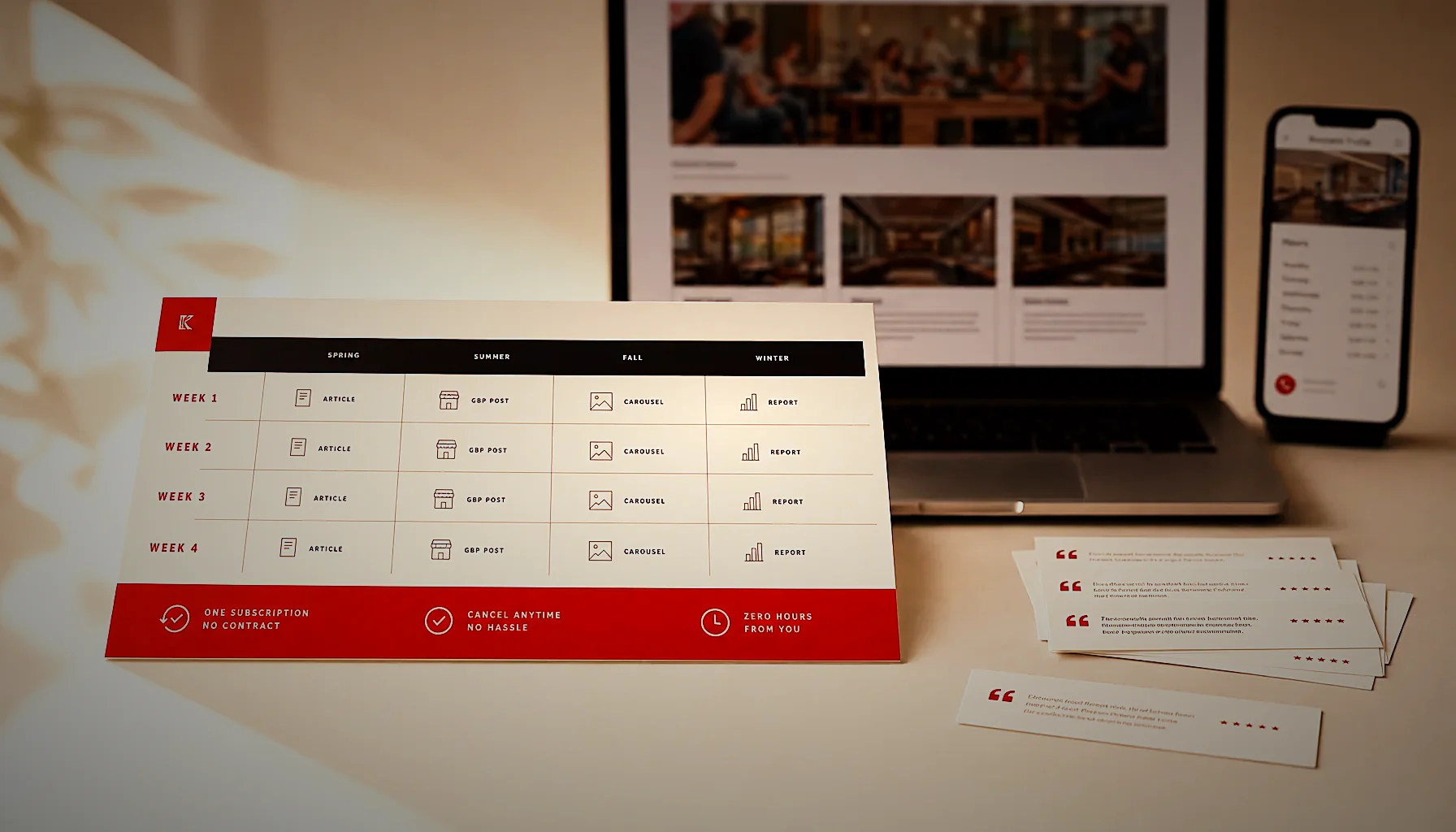
A holiday content plan for a local business needs four things live before November: your holiday hours on Google, a gift or offer page, two or three articles answering what shoppers actually search, and weekly Google Business Profile posts. Publish early — Google needs weeks to index and rank seasonal pages, not days.
What should a local business publish before the holiday season?
Publish six assets: updated holiday hours, a seasonal offer page, two to four articles answering holiday questions in your category, weekly Google Business Profile posts, an FAQ block covering last order dates and returns, and fresh review content from the last 12 months.
Each one answers a different question a customer is already typing. Hours answer “are they open December 26.” The offer page answers “gift cards near me.” The articles answer everything in between.
Order matters more than volume. Hours and your Google Business Profile take 20 minutes and affect every single search. Articles take longer to pay off, which is exactly why they go up in September or October, not December 15.
Here is the practical publishing order for 2026, counting backward from the first week of December:
- 8–10 weeks out: publish your evergreen holiday articles — gift guides, “what to order for a party of 12,” “do you take walk-ins in December”
- 6 weeks out: update holiday hours in Google Business Profile for every day you are closed or on reduced hours
- 4 weeks out: launch the offer or gift card page, linked from your homepage
- 3 weeks out: start weekly GBP posts with the offer, plus photos from the current season
- 2 weeks out: add last order dates, delivery cutoffs and return policy to your FAQ
- Through December: ask every happy customer for a review, because December reviews carry you into January
Most local businesses skip straight to the December discount post and wonder why nothing moved. The discount post is the last 10% of the work.
Which holiday content formats actually bring in customers?
Gift guides, holiday hours pages and “book now for December” service pages convert best for local businesses, because they match high-intent searches. Discount announcements get the least organic traffic — they rank for nothing and get seen only by people who already follow you.
The difference is search demand. Nobody searches “15% off at your salon.” Plenty of people search “gift certificate for a massage near me” and “hair salon open Sunday before Christmas.”
Use this to decide where your hours go:
| Format | Effort | Search demand | Works best for | Shelf life |
|---|---|---|---|---|
| Gift guide article | Medium | High | Retail, salons, restaurants, clinics | Reusable every year |
| Holiday hours update (GBP + site) | Low | Very high | Every local business | One season |
| “Book early for December” page | Low | High | Venues, salons, auto shops | Reusable every year |
| Holiday menu or package page | Medium | High | Restaurants, event venues, hotels | Update annually |
| Gift card landing page | Low | High | Services with no physical product | Permanent |
| Discount announcement post | Low | Very low | Existing followers only | Days |
| Behind-the-scenes photo post | Low | None | Trust and freshness signals | Weeks |
Notice that the top of the table is mostly evergreen. A gift guide you write once gets re-ranked every November if you refresh the dates and examples — that is the cheapest content you will ever own.
The bottom of the table is not useless, it is just not SEO. Photo posts and discount announcements signal to Google that the profile is active and give returning customers a reason to look. They do not win new searches.
If you only have time for two things this quarter: a gift guide article and correct holiday hours everywhere.
Let your reviews write the gift guide
KAIRO turns your Google reviews into monthly articles — gift guides, holiday hours pages, the lot — so your Q4 content is live in September instead of December 15. Have a look at how it works.
How do you set holiday hours on Google Business Profile?
Open your Google Business Profile, go to the Hours section, and use “Add special hours” to set a specific date with different hours or mark the day closed. Special hours override your regular hours only for the dates you choose, and Google shows them with a “holiday hours” label in search results.
Do this for every date that differs — December 24, 25, 26, 31, January 1, and any day you close early. Half-measures cause the problem you are trying to avoid.
Three things people get wrong here. First, they update the website but not the profile, so Google trusts the profile and shows the old hours. Second, they mark a day “closed” when they are open reduced hours, which loses them a full day of walk-ins. Third, they forget to remove special hours in January, so the profile reads as closed when they are open.
Google also prompts you to confirm holiday hours as dates approach. Confirm them, even if nothing changed. An unconfirmed holiday shows visitors a “hours might differ” warning, and that warning makes people call a competitor instead.
If you have more than one location, each profile needs its own special hours. There is no bulk shortcut for a small business account, so block 30 minutes and do them in one sitting.
While you are in there, add a December photo and check that your category, phone number and service area are still right. Profile accuracy is one of the signals that decides whether you appear in the map results at all — we covered the full picture in our guide on how to rank in the Google Maps local pack.
Last detail: if you take appointments, put your last booking date in the profile description and in your GBP posts. “Last appointments for December 23, book by December 18” prevents a week of phone calls you cannot fulfill.
When should you start publishing holiday content?
Start publishing 8 to 12 weeks before the season — so September or early October for December traffic. New pages typically need 4 to 12 weeks to settle into stable rankings, and a gift guide published on December 10 has no chance of ranking before the shopping ends.
Shopping intent starts earlier than most owners expect. Searches for gift ideas and holiday bookings climb through October, peak in the last ten days of November, and stay high until roughly December 22.
Compare the two approaches honestly:
| Publish in September/October | Publish in December | |
|---|---|---|
| Time to rank | Indexed and tested before peak demand | Still being evaluated when demand ends |
| Organic traffic | Captures the full November–December window | Captures the last week, if anything |
| Cost of mistakes | Time to fix titles, add FAQs, improve pages | No time to fix anything |
| Next year | Page has history, ranks faster in 2027 | Starting from zero again |
Pages that already exist from last year are the exception. Refresh an existing gift guide — new dates, new examples, new products, a new FAQ — and it can regain rankings within days because the URL already has authority.
That is the real argument for consistent monthly publishing rather than a December sprint. A site that publishes 4 articles a month all year has 30 or 40 pages of topical history by the time Q4 arrives, and Google treats new pages on that site more generously. Our timeline breakdown on how long local SEO takes shows what that compounding actually looks like month by month.
If it is already late November, do not skip the work. Publish anyway, get the hours right, run GBP posts, and treat the articles as next year’s assets.
What is the Q4 local SEO checklist for a small business?
The Q4 local SEO checklist has 12 items, split between your Google Business Profile, your website and your reviews. Work through them in order — profile first, because it affects the most searches for the least effort.
Google Business Profile:
- Special hours set for every holiday date, including reduced-hours days
- Holiday hours confirmed when Google prompts you
- One GBP post per week from November 1, each with a photo and a clear action
- Products or services list updated with seasonal items and current prices
- 5 to 10 new photos uploaded showing the season as it looks now
- Q&A section seeded with real questions: parking, gift cards, group bookings, last order dates
Website:
- Holiday hours published on your contact page in plain text, matching GBP exactly
- A gift card or seasonal offer page linked from the homepage navigation
- Two to four articles answering holiday questions in your category
- An FAQ block on the offer page covering cutoff dates, delivery and returns
Reviews:
- A system for asking every satisfied December customer for a review
- Every review answered within 48 hours, including the critical ones
Review volume and recency matter more in Q4 than any other quarter, because December is when you have the highest number of happy customers in the shortest window. If asking feels awkward, the script in our guide on how to ask customers for Google reviews works without pressure.
Budget roughly 3 hours for the profile items and a day or two for the website items if you write them yourself. The reviews piece is ongoing, not a task you finish.
How do you get your holiday content into AI answers?
AI assistants cite pages that answer a specific question in plain language, in the first few lines, with details they can verify elsewhere. For holiday content, that means publishing your actual hours, actual cutoff dates and actual prices as text on the page — not inside an image or a PDF.
ChatGPT, Gemini and Google AI Overviews are now a normal part of “where do I buy this” research. Someone asks “which bakeries near me take custom Christmas cake orders” and gets three names. You want to be one of them.
Four things make a holiday page quotable:
- One question per heading, phrased the way a customer would ask it out loud
- The answer immediately under the heading, in 30 to 60 words, with no wind-up
- Specific numbers: “orders close December 20 at 5 p.m.,” not “order early”
- Consistency across sources: the same hours and prices on your site, your Google Business Profile and your social profiles
That last point is where most local businesses lose. If your site says you close at 4 p.m. on Christmas Eve and your profile says 2 p.m., an AI assistant has no reason to trust either and will cite a competitor whose sources agree. We go deeper on this in our guides on how to get cited in Google AI Overviews.
Your reviews feed this too. When 40 customers mention “great gluten-free options” in their reviews and your site never says the words, the AI has a signal with nothing to cite. Reading your own reviews end to end tells you exactly which pages to write — that is the whole idea behind how KAIRO builds content for local businesses.
Practical test: ask ChatGPT and Google AI Overviews your own category question — “best [your service] in [your city]” — and see what comes back. Whatever gaps you find become your next four articles.
One less thing on your Q4 list
If writing two or three holiday articles sounds like time you don't have, KAIRO publishes them for you every month, built from what your customers already say about you.
Frequently asked questions
Can you give me some examples of holiday promotions?
Effective holiday promotions for local businesses include gift card bundles where a $100 card comes with a $20 bonus card, bring-a-friend pricing on services, prepaid December bookings at November prices, and bundled seasonal packages instead of flat discounts. Bundles protect your margin better than percentage-off offers because the customer spends more, not less. A salon offering “cut, color and blow-dry before December 24” at a package price fills quiet weekday slots without cutting its list prices.
What are some profitable small business ideas for Christmas?
The most profitable Christmas additions are products you already make, sold in gift format — gift cards, prepaid packages, hampers, workshop sessions and corporate orders. They need no new inventory and almost no new process. A restaurant selling 50 corporate gift cards in December does it with existing staff and existing food, which is why the margin holds.
What sells the most during the holidays?
Gift cards, food and drink, personal services and experiences sell the most for local businesses during the holidays, because they solve the last-minute gift problem. Gift cards are the top seller for service businesses specifically — they require no sizing, no shipping and no guesswork. Make sure your gift card page is linked from your homepage and your Google Business Profile, since most of that demand arrives as search traffic in the last two weeks of December.
What are some effective marketing strategies for the holiday season?
The most effective holiday marketing strategy for a local business is early publishing plus profile accuracy: seasonal articles live by October, correct special hours on Google, weekly Google Business Profile posts, and an active review request routine through December. Paid ads amplify this but cannot replace it, because ads stop the day you stop paying. Businesses that publish consistently all year rank faster in Q4 than businesses that start in November.
How many articles should a local business publish in Q4?
Four articles a month is a realistic and effective pace for a local business, including Q4. That gives you roughly 12 pages across October, November and December — enough to cover gift guides, holiday hours, seasonal services and the questions your customers actually ask. Consistency matters more than volume; one article a week beats ten published in a single December week.
Who can write monthly SEO articles for my small business?
You can hire a freelance writer, an agency, or use a content service like KAIRO that builds articles from your own Google reviews and publishes them automatically to your WordPress site. KAIRO produces 4 SEO/AEO articles a month plus Google Business Profile posts and a monthly proof report, with no contract and the option to cancel anytime. Contact us for details on what that looks like for your category and city.
This article was produced by the Kairo engine.
The same system can write for your business — starting from what your customers already say.
Get your free review report