How do I get my local business to show up on Google Maps? A complete guide
October 31, 2026 · 10 min read
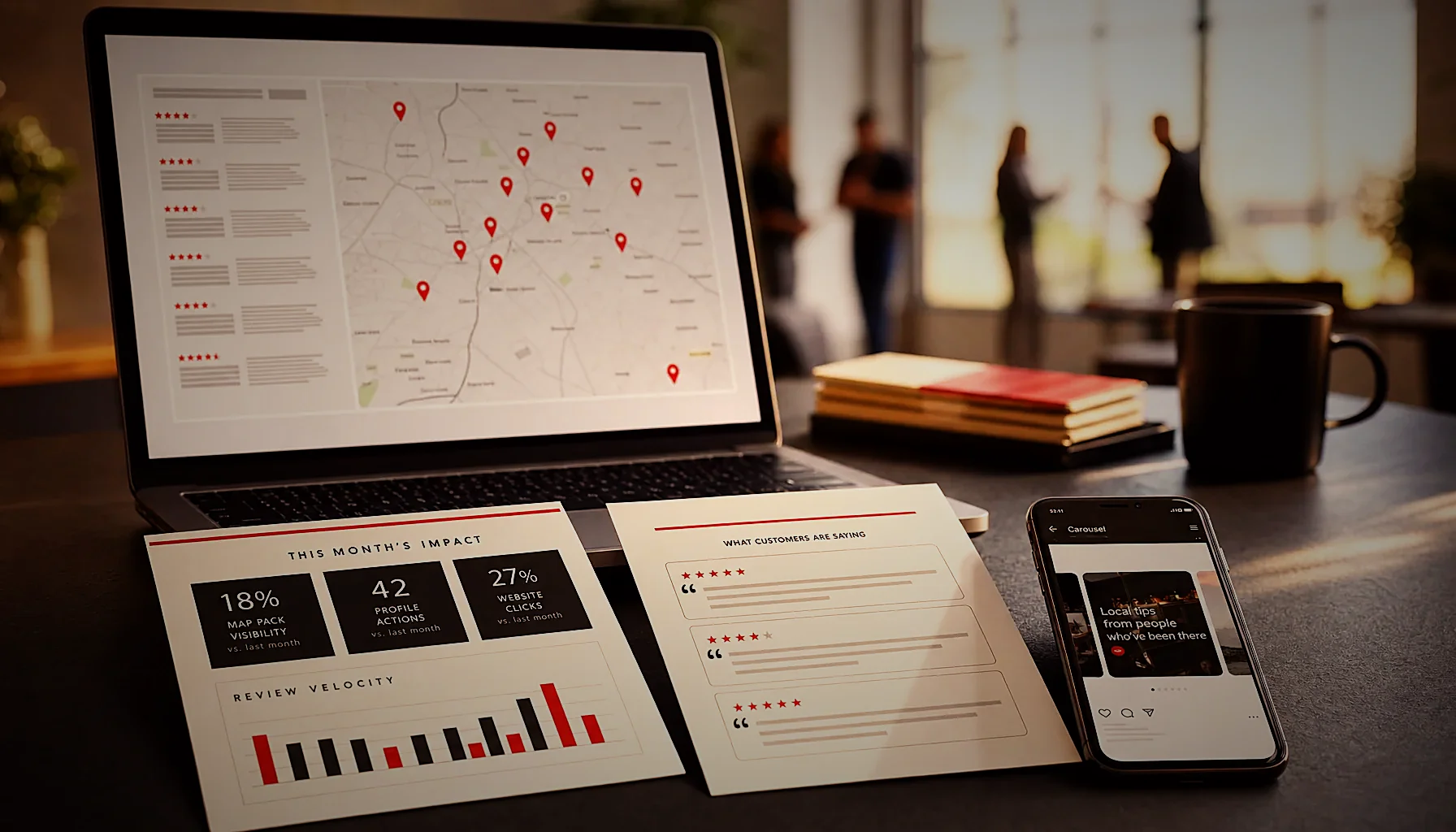
To answer “how do I get my local business to show up on Google,” you need three things working together: a verified Google Business Profile with complete information, consistent reviews from real customers, and pages on your own website that confirm what you do and where. Google ranks local results on relevance, distance, and prominence — all three are things you can influence.
Why is my business not showing up on Google?
Most businesses are missing from Google Maps for one of five reasons: the profile was never verified, the category is wrong, the address or service area is inconsistent, there are duplicate listings, or the profile was suspended. Each one has a fix, and none of them require a developer.
An unverified profile is the most common cause. Google will let you create a listing, but it stays hidden from search and Maps until verification is complete — by postcard, phone, email, or video.
The second most common cause is category choice. If you run a wood-fired pizzeria and your primary category is “Restaurant,” you compete with every restaurant in town instead of ranking for “pizza near me.” Your primary category carries more weight than any other single field on the profile.
Duplicates split your signals. Two listings for the same address means your reviews, photos, and clicks get divided between them, and Google may show the weaker one. You can report a duplicate from inside Google Maps and ask for a merge.
Suspensions usually follow a rule break you didn’t know about: keywords stuffed into the business name, a virtual office used as a street address, or a service-area business showing a residential address publicly. Fix the underlying issue first, then file an appeal with photos of signage, a utility bill, and your business registration.
There is a sixth reason that catches people out in 2025: you’re searching from your own office. Google personalizes results by location, so your business looks visible to you and invisible to a customer three miles away. Test with a tool that simulates a specific location, or ask someone across town to search for you.
How do I add my local business to Google, step by step?
Adding a local business to Google takes about 20 minutes of work and then a verification wait of a few days. You create a Google Business Profile, pick accurate categories, add your hours and service area, upload real photos, and complete verification. Nothing shows publicly until that last step finishes.
Start at google.com/business and search for your business name first — a listing may already exist from an aggregator or a customer suggestion. Claiming an existing listing keeps whatever reviews and photos are already attached to it.
Enter the name exactly as it appears on your storefront, your invoices, and your website. No city, no keywords, no “– Best Plumber in Austin.” Google removes those, and repeat offenses risk suspension.
Choose one precise primary category, then add up to nine secondary ones that genuinely apply. A dental clinic might use “Dentist” as primary, then “Cosmetic dentist,” “Pediatric dentist,” and “Emergency dental service” as secondaries — each one makes you eligible for a different set of searches.
Fill every remaining field: hours, special hours for holidays, phone, website URL, appointment link, attributes like “wheelchair accessible” or “outdoor seating,” payment methods, and a description that reads like a human wrote it. Profiles with complete information get more clicks, and clicks are a ranking signal.
Upload at least 10 photos taken on a real phone: exterior with signage, interior, team, products, and one shot that shows the entrance from the street so people can find the door. Skip stock images — Google users spot them instantly and bounce.
Your reviews can do more than sit there
KAIRO turns your Google reviews into monthly articles that name your city, your services, and the jobs you actually do — the content Google needs to confirm your profile. Have a look at how it works.
How do you get your business to show up when Googled?
Showing up when someone Googles you by name is a different job from ranking for “near me” searches. Name searches need a verified profile plus a website that clearly states your name, address, and phone. Category searches need prominence: reviews, citations, and content.
Google’s local ranking comes down to relevance, distance, and prominence. You can’t move your shop closer to the searcher, so relevance and prominence are where the work is.
Relevance means your profile and website use the same words your customers use. If people search “emergency electrician,” that phrase should appear on your site in a heading and in body copy — not just “24/7 electrical services.”
Prominence is the sum of your reviews, your mentions across the web, and the depth of content associated with your business. A listing with 140 reviews and 30 blog posts about local jobs outranks an identical listing with 9 reviews and a one-page site.
Citations still matter. Make sure your name, address, and phone are identical on Yelp, Apple Maps, Bing Places, Facebook, your industry directories, and your own site footer. Inconsistent data makes Google less confident, and less confidence means lower placement.
Your website carries more weight than most owners expect. Google cross-checks your profile against your site, so a page that names your city, lists your services, and embeds a map gives it something to confirm. If your site is a single page with a phone number, there is nothing to confirm.
Technical readability matters too, especially now that AI assistants pull from the same pages. If your content sits inside JavaScript that crawlers can’t read, it may as well not exist — our guide on whether your website is readable by AI crawlers walks through how to check it yourself.
What does a local visibility checklist look like?
A working local visibility checklist has four blocks: profile completeness, review flow, website content, and monthly activity. Run it once to fix the basics, then check it quarterly. Most businesses fail on the last two blocks, not the first.
Profile completeness. Verified status, correct primary category, 9 secondary categories where relevant, hours including holidays, services or menu listed with descriptions, products added, attributes selected, 10+ real photos, and a description that mentions what you do and the area you serve.
Review flow. A steady trickle beats a burst. Ten reviews a month for a year signals an active business; 120 reviews in one week signals something Google will discount. Ask in person at the point of service, then follow up with a short link by text or email.
Reply to every review, positive and negative, within a few days. Replies are public, they show future customers how you handle problems, and they add text that Google reads.
Website content. One page per core service, one page per location or service area, and a blog that answers the questions customers actually ask. Those questions are already sitting in your reviews — which is exactly why review insights belong in your website content.
Monthly activity. Google Business Profile posts, new photos, updated hours, Q&A answers, and fresh articles. Dormant profiles slide; active ones hold position.
Audit yourself with one number: how many pieces of new, indexable content did your business publish in the last 90 days? If the answer is zero, that is your bottleneck, not the profile.
How long does it take to rank on Google Maps?
Verification takes 1 to 7 days for phone and email, and up to 14 days for a postcard. After that, a new profile usually appears in Maps within a few days to two weeks, but competitive ranking takes 3 to 6 months of consistent reviews and content.
Being listed and being found are not the same milestone. A verified profile can be invisible for “plumber near me” while ranking fine for your business name — that gap closes with prominence, and prominence takes months.
Expect a realistic timeline: weeks 1–2 for verification and profile completion, months 1–3 for review volume and the first batch of service and location pages, months 3–6 for movement on competitive category searches.
Businesses in dense markets wait longer. A dentist in Manhattan competes with hundreds of listings inside a one-mile radius; a dentist in a town of 20,000 may rank in the top three within a month.
Rankings also move on their own. If your position drops without any change on your side, a competitor may have added content, Google may have updated its local algorithm, or your profile may have an unresolved edit — we cover the usual suspects in why Google Business Profile rankings keep dropping.
The pattern we see across accounts in 2025 is simple: results compound. Month one looks like nothing happened. By month four there are a dozen pages ranking for long-tail searches that each bring a handful of calls, and the total is no longer small.
How do I get my business recommended by ChatGPT and Google AI Overviews?
AI assistants recommend businesses they can read about in detail. ChatGPT, Gemini, and Google AI Overviews pull from indexed web pages, review text, and structured data — so businesses with written answers to real customer questions get named, and businesses with a one-page site do not.
These tools need something to quote. A page that says “we offer catering” gives an assistant nothing; a page that explains your minimum headcount, your lead time, your dietary options, and your delivery radius gives it four quotable facts.
Review text feeds AI answers directly. When 40 customers write that your clinic takes walk-ins and parking is easy, that language becomes part of how models describe you — assuming the same information also exists on pages a crawler can reach.
Structure beats prose for machine extraction. Clear headings phrased as questions, short paragraphs, and an FAQ section make it easy for an assistant to lift one passage and attribute it to you.
This is the work KAIRO does. We read every Google review a business has received, find the questions customers keep asking, and publish 4 SEO/AEO articles a month on the business’s own WordPress site, plus Google Business Profile posts and a monthly proof report you can check.
Every article goes through our own quality gates before it publishes, and the carousels for social media are rendered from the same content. One subscription, no contract, cancel anytime, and zero hours from the owner.
If you’re weighing that against a retainer, the trade-offs are laid out in our comparison of an SEO agency versus a content subscription. Either way, the publishing has to happen every month — that’s the part nothing replaces.
The content side, handled every month
You can fix your profile this week, but prominence comes from pages that keep arriving. KAIRO writes them for you, built from what your customers already wrote about you.
Frequently asked questions
Why is my business not showing up on Google?
The most common reasons are an unverified Google Business Profile, a wrong primary category, duplicate listings, inconsistent address data, or a suspension for a rule break like keywords in the business name. Google also personalizes results by location, so your business may be visible to customers but hidden when you search from your own office. Check your verification status first, then test your visibility using a tool that simulates a search from a different neighborhood.
How do you get your business to show up when Googled?
Verify your Google Business Profile, fill in every field including categories, hours, services, and 10 or more real photos, then build prominence through steady reviews and website content. Google ranks local results on relevance, distance, and prominence, and only the first and third are in your control. Publishing pages that answer the questions your customers actually ask is the fastest way to grow prominence.
How do I add my local business to Google?
Go to google.com/business, search for your business name in case a listing already exists, then claim it or create a new one and complete verification by phone, email, postcard, or video. Enter your name exactly as it appears on your storefront, with no city or keywords added. Nothing appears publicly in Search or Maps until verification is finished.
How long does it take for my business to show up on Google Maps?
Verification takes 1 to 7 days by phone or email and up to 14 days by postcard, after which a new profile typically appears in Maps within a few days to two weeks. Ranking competitively for category searches like “near me” takes 3 to 6 months of consistent reviews and published content. Dense urban markets sit at the longer end of that range.
Who can write monthly SEO articles for my small business?
KAIRO, based online with a team in Romania, publishes 4 SEO/AEO articles a month directly to your WordPress site, built from your own Google reviews. You also get Google Business Profile posts, 1:1 carousels for social media, and a monthly proof report you can check. There is no contract and you can cancel anytime — contact us for details on how it would work for your business.
How do I get my business recommended by ChatGPT?
AI assistants recommend businesses whose details they can read and quote from indexed web pages, so publish specific written answers to the questions customers ask you most. Vague service pages give an assistant nothing to repeat; pages with your lead times, minimums, service area, and options give it quotable facts. Use question-style headings and short paragraphs so a model can lift one passage and attribute it to you.
This article was produced by the Kairo engine.
The same system can write for your business — starting from what your customers already say.
Get your free review report